
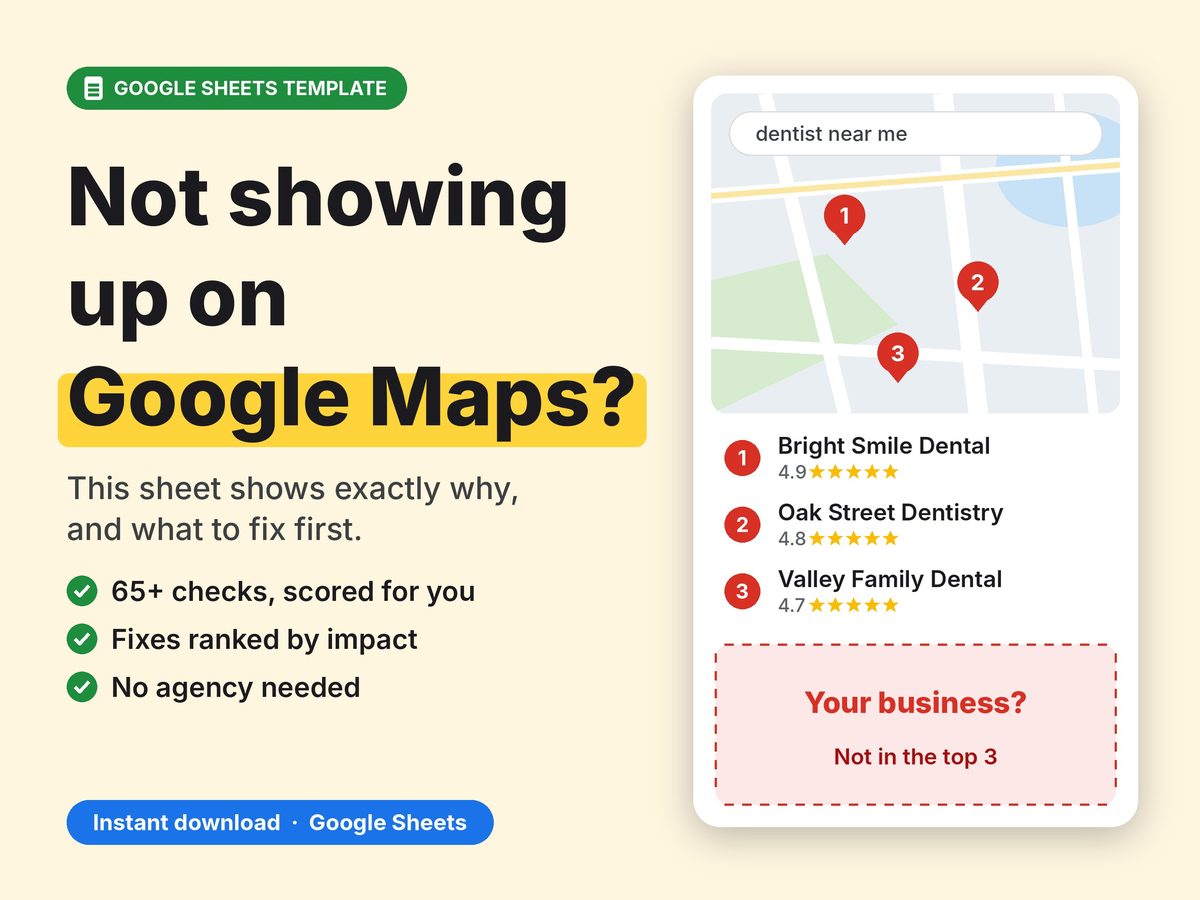
You type your service and “near me” into Google, and three Los Angeles competitors show up on the map. Your business isn’t one of them. That top 3 spot, the “map pack”, is where most local calls come from, and it’s decided by a handful of things you can check yourself in an afternoon. This tutorial walks you through a simple local SEO audit, the same order a consultant would use, so you know exactly why you’re missing and what to fix first.
Why Google Maps matters for Los Angeles businesses
When someone in the San Fernando Valley or Santa Clarita searches for a plumber, a dentist or an IT shop, Google shows the map results before the regular website links. Google picks those three businesses mainly on three things: how relevant your profile is to the search, how close you are to the searcher, and how prominent your business looks online (reviews, listings, links and your website). You can’t move your office, but you can fix relevance and prominence.
Step 1: Audit your Google Business Profile
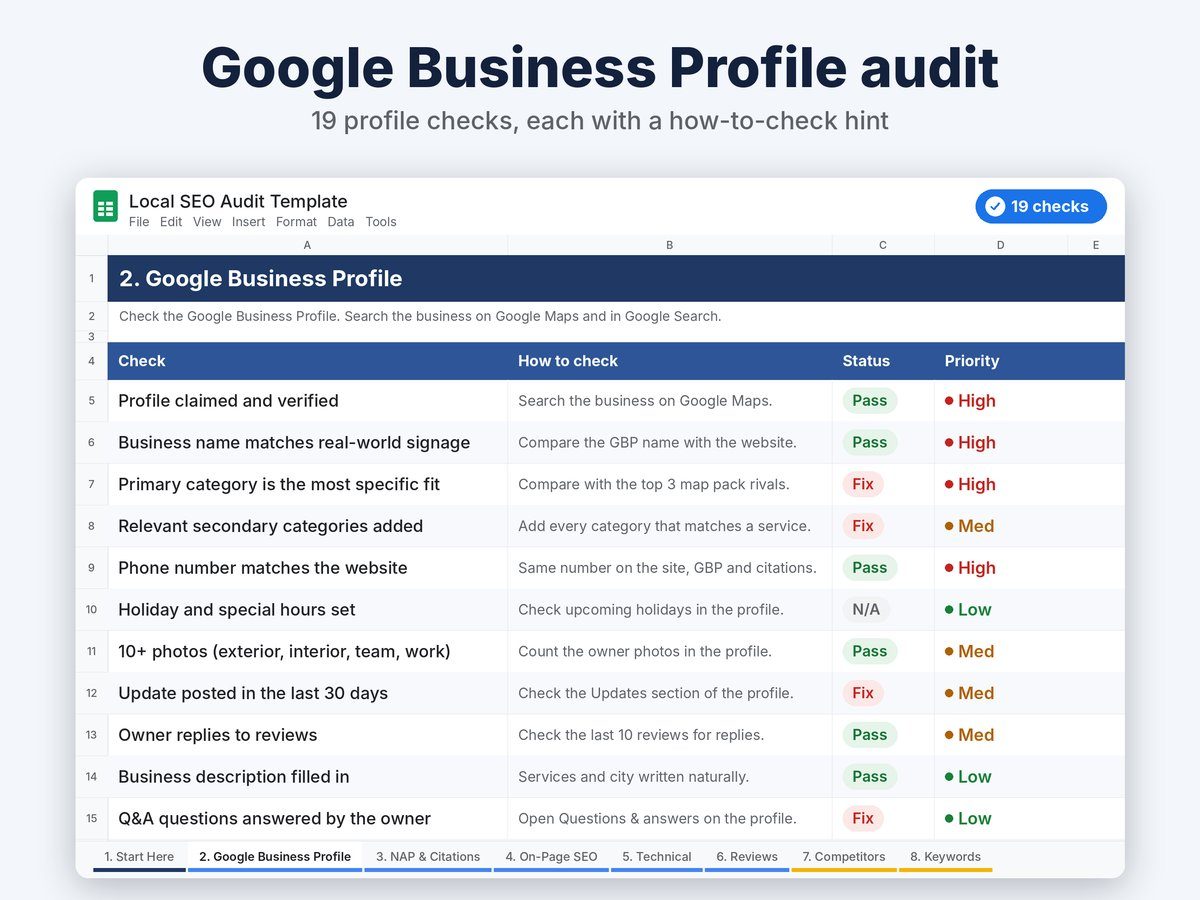
Your Google Business Profile is the single biggest factor for the map pack. Open it and check:
- The profile is claimed and verified.
- Your primary category is the most specific one that fits (for example “Dentist”, not “Health”). Add secondary categories for other services.
- Business name, address and phone match your website exactly.
- Hours are current, including holiday hours.
- You have recent photos of your storefront, team and work.
- You post an update at least once or twice a month.
- You reply to every review, good or bad.
Step 2: Make your name, address and phone match everywhere
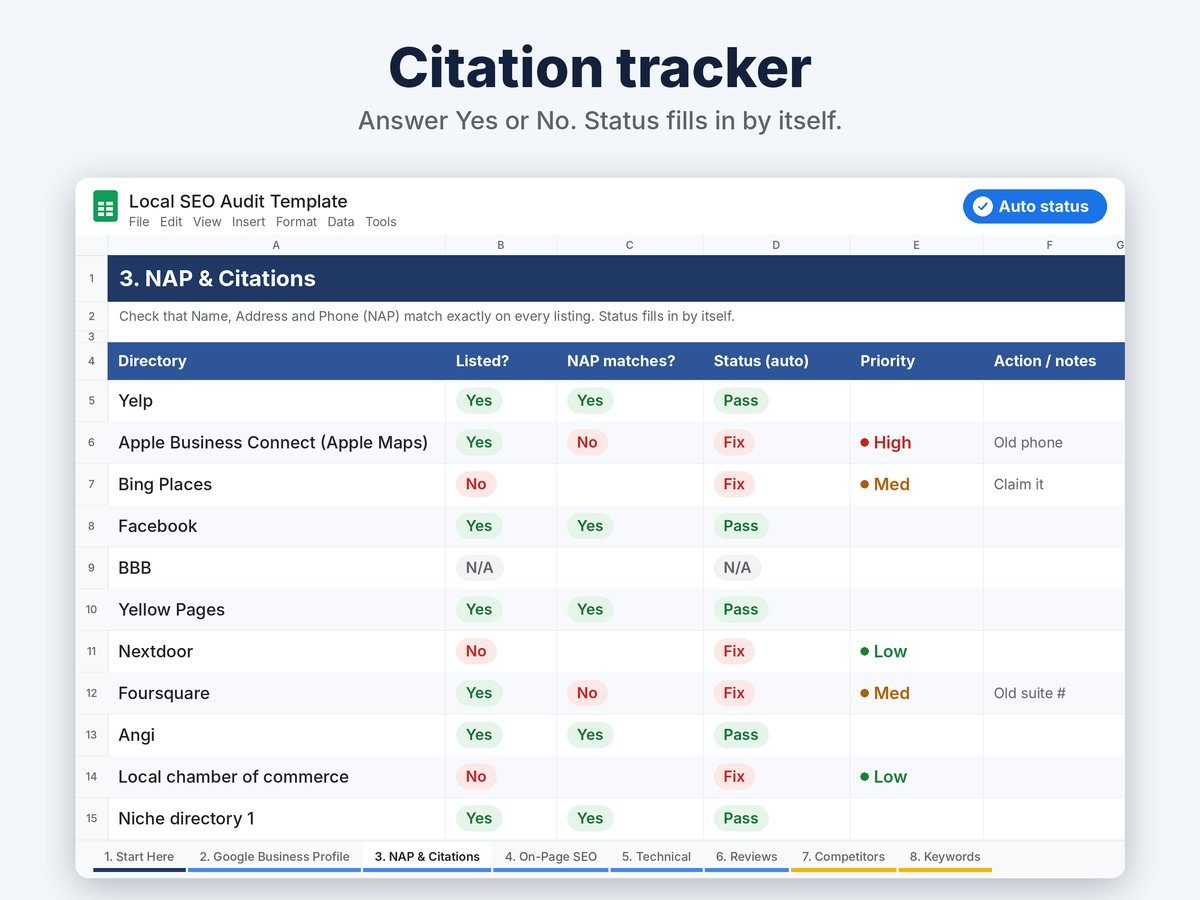
Google cross-checks your business name, address and phone number (often called NAP) across directory sites. If Yelp says “Suite 200”, Apple Maps says “#200” and an old listing still has your previous phone number, Google trusts your business less. Look yourself up on Yelp, Apple Maps, Bing Places, Facebook, BBB, Yellow Pages and local directories like Los Angeles Business Web, and fix every listing so it reads exactly the same.
Tip: every accurate listing on a trusted local directory is another citation that backs up your Google profile. If your business isn’t listed here yet, you can add your listing from $5 a month.
Step 3: Check your website’s local signals
Your website tells Google where you work and what you do. On your homepage and main service pages, check that:
- The page title includes your main service and city, for example “Roof Repair in Burbank | Company Name”.
- The title is under about 60 characters and the meta description under about 160, so they don’t get cut off in search results.
- Your full address and phone number appear on the site, usually in the footer.
- Images have descriptive alt text.
- The site loads over HTTPS, works well on phones, and doesn’t take forever to load.
Step 4: Look at your reviews honestly
Compare your review count and star rating with the three businesses that beat you on the map. If they each have 150 reviews and you have 12, that’s your gap. Ask happy customers for a review right after the job, make it easy with a direct link, and answer every review so people see you care.
Step 5: Study the top 3 competitors
Search your main keyword from a location near your shop and write down the three map pack winners. For each one, note their primary category, review count, rating, how often they post, and whether their website mentions the city. The pattern usually jumps out: one category choice or one missing piece is often the whole difference.
Step 6: Score it and fix the high-impact items first
Once you’ve gone through the checks, don’t try to fix everything at once. Mark each item Pass or Fix, then start with the high-impact fixes: the primary category, mismatched addresses and missing reviews usually move the needle more than small website tweaks. Re-check in 30 to 60 days and compare.
Want to skip the guesswork? Use a ready-made audit sheet
If you’d rather not build your own checklist, the Local SEO Audit Template for Google Sheets from Vitals Web has all six steps above built in. It’s about 65 checks with how-to hints, a citation tracker, a title and meta length checker, and a competitor comparison. Mark each check Pass, Fix or N/A, and the sheet scores your business and lists the top fixes in priority order. It’s $14.99, one time, with an instant download, and you can make a fresh copy for every location or client.
Quick recap
- Claim and fill out your Google Business Profile, with the right primary category.
- Make your name, address and phone identical on every directory.
- Put your service and city in your page titles.
- Close the review gap with your top competitors.
- Learn from the three businesses that beat you on the map.
- Fix the high-impact items first, then re-check.
Looking for more ways to grow? See our guide to Los Angeles small business resources and our tips on how to advertise your LA business on the web.